
Contact ArionPlay: We Are Here to Help
ArionPlay’s support team is available 24 hours a day, 7 days a week, in English and Filipino. Whether you need help with a deposit, a withdrawal, KYC verification, account access, or a question about a game or promotion, reach us through the channels below.
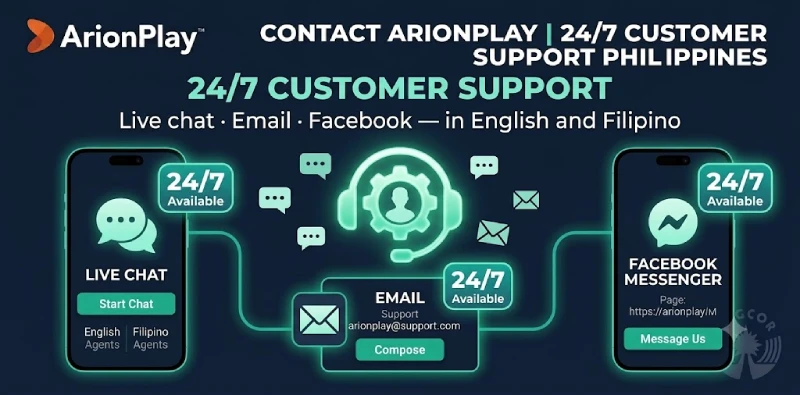
How to Reach Us
| Channel | Details | Hours | Response time |
|---|---|---|---|
| Live Chat | Available on sodalisgame.com — click the chat icon at the bottom of any page | 24/7 | Instant |
| PRODUCTION: Verify official support email on ArionPlay backend — use format [email protected] or similar | 24/7 | Within 24 hours | |
| facebook.com/arionplayph | 24/7 | Within a few hours |
Support Hours
Live chat is the fastest way to reach us and is staffed around the clock, including Philippine holidays. Email and Facebook messages are monitored continuously and responded to in priority order. For urgent account issues — a locked account, a pending withdrawal held for more than 24 hours, or a suspected security breach — use live chat for the fastest resolution.
Common Queries
Forgotten password: Use the Forgot Password option on the login screen. An OTP will be sent to your registered mobile number to reset your password.
Deposit not credited: Check your GCash or Maya transaction history first. If the transaction shows as successful on your e-wallet but has not credited to ArionPlay, contact live chat with the transaction reference number and a screenshot.
Withdrawal pending: Withdrawals pending for more than 24 hours usually require KYC completion or a name-match correction. Contact live chat with your withdrawal reference number for a status check.
Bonus not applied: Check the Promotions or Bonus section of your account. If the bonus does not appear after an eligible deposit, contact support with the deposit reference and the promotion name.
KYC status: Log in to your account and check the Verification section. If your submission has been pending for more than 24 hours, contact live chat with your submission timestamp.
Responsible Gaming Requests
To set deposit limits, request a cooling-off period, or begin self-exclusion, contact live chat or email our support team and state your request clearly. Responsible gaming requests are processed promptly and without requiring justification. For full details of available tools, see our Responsible Gaming page.
Complaint and Escalation Process
If you are unsatisfied with the resolution provided by our support team, you may escalate your complaint by submitting a formal complaint in writing to our support email, marked clearly as a formal complaint. The Company will acknowledge formal complaints within 24 hours and aim to resolve them within 14 business days.
If a resolution cannot be reached with ArionPlay directly, you may escalate to PAGCOR as the supervising regulatory authority. PAGCOR’s contact details are available at pagcor.ph.
About ArionPlay
ArionPlay is operated by NEMO Interactive Group Corporation, PAGCOR-licensed under Brand No. 41. For full terms governing your Account, see our Terms and Conditions. For data privacy queries, see our Privacy Policy. For players aged 21 and over.