
How to Deposit at ArionPlay with Maya
Maya is ArionPlay’s second supported e-wallet after GCash, giving Filipino players a fast and familiar alternative for funding their casino account. At ArionPlay, a Maya deposit works the same way as GCash — open the cashier, select Maya, enter your amount, confirm in the Maya app, and the balance appears in your account within seconds. This guide covers the full Maya deposit process, what to do if a deposit does not credit, and how Maya compares to GCash at ArionPlay.
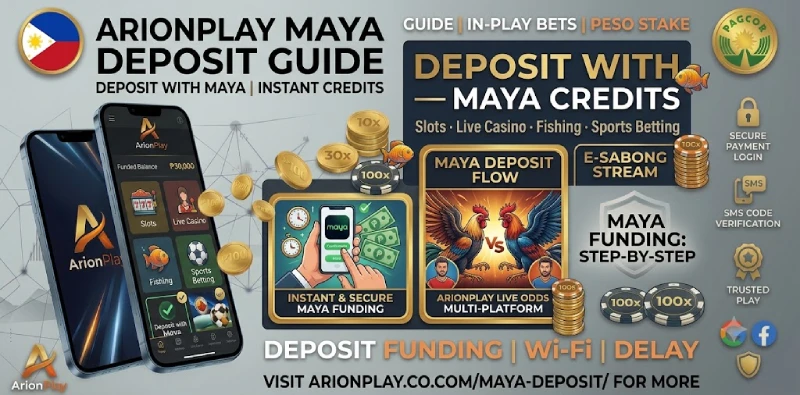
Maya Deposit Quick Stats
| Minimum deposit | ₱100 |
|---|---|
| Processing time | Instant (seconds) |
| Platform fee | None (ArionPlay charges no deposit fee) |
| Currency | Philippine peso (₱) |
| Account needed | Registered ArionPlay account (21+) + active Maya wallet |
What Is Maya?
Maya — formerly PayMaya — is one of the Philippines’ leading digital financial services platforms, operated by Maya Philippines Inc. (a subsidiary of PLDT). It functions as a digital wallet, a bank, and a payment service in one app, letting users store funds, pay bills, send money, and fund online platforms directly from their smartphone. Maya is regulated by the Bangko Sentral ng Pilipinas (BSP) as a digital bank, which gives it the same deposit protection framework as a traditional financial institution.
For ArionPlay players, Maya offers a GCash alternative that works particularly well for users who prefer the Maya ecosystem, hold a Maya savings account, or are on the Smart or PLDT network. Both the free Maya wallet and the full Maya bank account can be used to fund your ArionPlay balance. If your Maya account is fully verified, you benefit from higher transaction limits compared to an unverified wallet.
How to Deposit at ArionPlay with Maya — Step by Step
The Maya deposit process mirrors the GCash route and completes in under a minute.
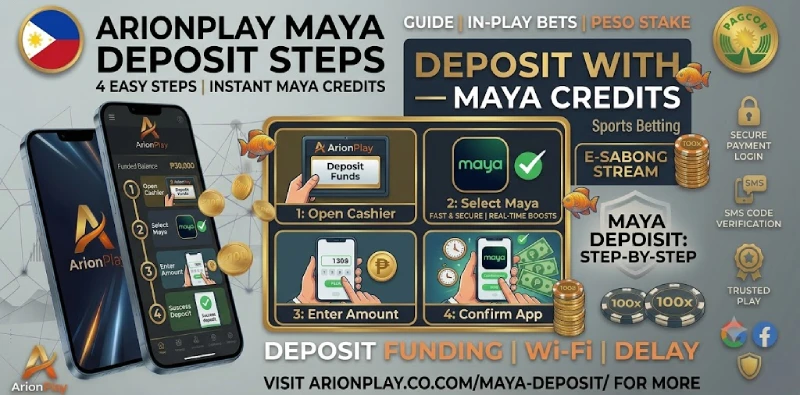
Step 1 — Log in to ArionPlay. Open sodalisgame.com or the ArionPlay app and log in with your mobile number and password.
Step 2 — Open the cashier. Tap the Deposit button at the top of the lobby or navigate to Cashier in your account menu. Your current balance is displayed at the top of the cashier screen.
Step 3 — Select Maya. Choose Maya from the payment method list. If GCash is also listed, both methods credit the same ArionPlay balance — pick whichever e-wallet has sufficient funds.
Step 4 — Enter your deposit amount. Type the peso amount you want to deposit, from ₱100 upward. The cashier previews the amount that will land in your balance before you confirm.
Step 5 — Confirm in the Maya app. ArionPlay redirects you to the Maya payment screen. Check the merchant name and amount, enter your Maya PIN or use biometric confirmation, and tap Pay. The deposit credits to your ArionPlay balance within seconds.
Deposit Not Credited? Here Is What to Do
Maya deposits credit immediately under normal conditions. If your balance has not updated after two minutes, open the Maya app and check your transaction history to confirm whether the payment completed successfully or was declined. A successful Maya transaction shows the merchant name (ArionPlay) and the peso amount deducted from your Maya balance.
If Maya confirms the payment as successful but your ArionPlay balance has not updated, take a screenshot of the Maya transaction record — including the reference number and timestamp — and contact ArionPlay live chat with that information. Support can locate the payment and credit the balance manually. Avoid placing a second deposit before confirming the first transaction failed on the Maya side, as duplicate deposits are harder to reverse once processed.
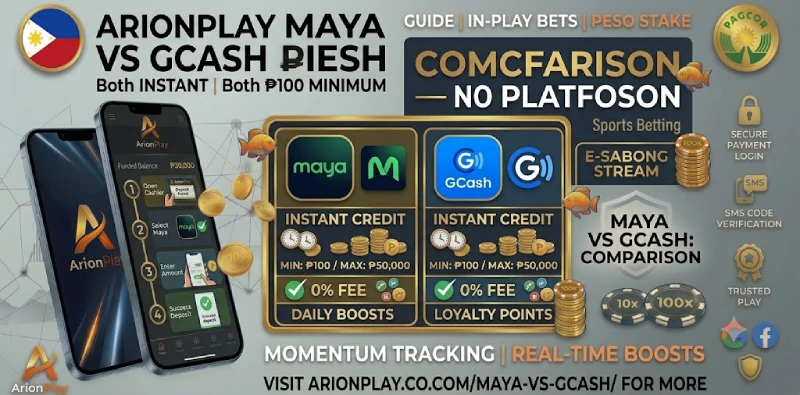
Maya vs GCash at ArionPlay
| Feature | Maya | GCash |
|---|---|---|
| Minimum deposit | ₱100 | ₱100 |
| Processing speed | Instant | Instant |
| Platform fee | None | None |
| In-app shortcut | Maya app payment link | GLife integration |
| Best for | Maya savings account holders, PLDT/Smart users | Globe users, most common PH e-wallet |
Both methods are equally fast and equally free of platform fees at ArionPlay. The choice comes down to which e-wallet you use day to day and which has the higher available balance when you want to deposit. Players who hold funds in both can split deposits between the two methods without any restriction on the ArionPlay side. If you are unsure which to use, GCash is the more widely integrated option, while Maya suits players who use Maya Savings or the Smart/PLDT ecosystem as their primary financial platform.

Frequently Asked Questions
Is a Maya deposit at ArionPlay instant?
Yes. Maya deposits credit to your ArionPlay balance within seconds of confirming payment in the Maya app. If the balance does not appear after two minutes, check your Maya transaction history and contact ArionPlay support with the reference number.
What is the minimum Maya deposit at ArionPlay?
The minimum deposit is ₱100 per transaction. ArionPlay charges no platform fee on Maya deposits.
What if my Maya deposit failed?
Check the Maya app transaction history to confirm whether the payment went through or was declined. If Maya shows a successful transaction but ArionPlay has not credited it, contact ArionPlay live chat with the Maya reference number and a screenshot of the transaction.
Can I use both Maya and GCash at ArionPlay?
Yes. ArionPlay accepts both Maya and GCash deposits, and both methods credit the same account balance. You can use either or both in the same session without restriction.
Can I also deposit by bank transfer?
Yes. ArionPlay supports bank transfer alongside Maya and GCash. Bank transfers typically take longer to credit than e-wallet deposits. Check the cashier for the current bank transfer options and processing times.
Ready to Deposit with Maya?
Log in at sodalisgame.com, open the cashier, and select Maya. The minimum deposit is ₱100 and the balance credits within seconds. For players who prefer GCash, see the GCash deposit guide. When you are ready to cash out, the full process is in the ArionPlay withdrawal guide. For players aged 21 and over.